Merlin 3.9 includes improvements to sending history and theme styling
Enhancements
Send History
We have made some improvements to the Print History function in the Patient record to make it more intuitive.
The Print History button has been renamed Send History to reflect the options to print or email. The print and email options have been combined, reducing the number of options in the drop-down menu. The choice to print or email is now made on the screen where you select the documents to include with the history.
We have also added the option to email insurance documents as well as print them. All other functionality remains unchanged.
Site Name in the Diary
Users working at sites with a group name before the site name were finding it difficult to see which site they had selected in the Diary.
We have extended the length of the Site Name field so that the full site name can be seen and mistakes avoided.
Preferred Practitioner
On the Details tab of the Patient module, the Preferred Surgeon field has been renamed Preferred Practitioner. Only the label has changed; you still choose the patient's preferred practitioner from the same list.
In Marketing → Report Wizard, a Preferred Practitioner column is now available when patient information is included in a report. It shows the name of the patient's preferred practitioner, or is blank if none is set.
Covetrus Wholesale Supplier
The Dunlop wholesale supplier has been renamed Covetrus. Ordering and batch downloads now work under the Covetrus name.
New Look Theme Styling
We have updated the styling of Reception and tables in the New Look theme, with a larger font size and updated colours.
Database Clean-up
As part of ongoing work to simplify the Merlin database, we have removed a number of legacy database objects that are no longer used. There is no change to how Merlin works for users.
- Unused lookup tables: Account Type, Currency, Local Parameter and Debtors Period.
An unused category link on the Country table.
Legacy archive and maintenance tables: Treatment Item Moved, Clean Data and Command Log.
We have fixed:
Diary:
Choosing an appointment reason with no duration set (or a duration of 0) changed the length of the appointment, for example from 10 to 20 minutes. The appointment now keeps the practitioner's slot length.
Creating or deleting an appointment scrolled the Diary back to the top of the day. The selected time slot now stays visible.
Kennel:
- With the Mandatory Appointment Reasons and Only Pre-defined Appointment Reasons settings enabled, adding an animal to the Kennels daylist could create a new appointment reason from free text. Only reasons in the appointment reasons library can now be used, matching the Diary.
Patient details:
- In Charity mode, some Imported Animal Status fields could overlap other fields on the Patient Details screen.
Security:
- Newly created users did not appear on the By User tab of the User/Sites, User/Report and User/License screens for 24 to 48 hours, so reports, sites and licences could not be assigned straight away.
A new user set up as a practitioner was not linked to that practitioner for 24 to 48 hours, so the practitioner could not be selected in the Diary or when recording treatments.
New Look theme:
Health Plan background colours were not shown for patients in the Reception patients grid and other grids. They now display in the same way as the original theme.
A selected order line in Wholesale ordering showed as yellow text on a white background and was hard to read.
Some sections of the Treatment Label pop-up were still shown in the old salmon colour and are now grey.
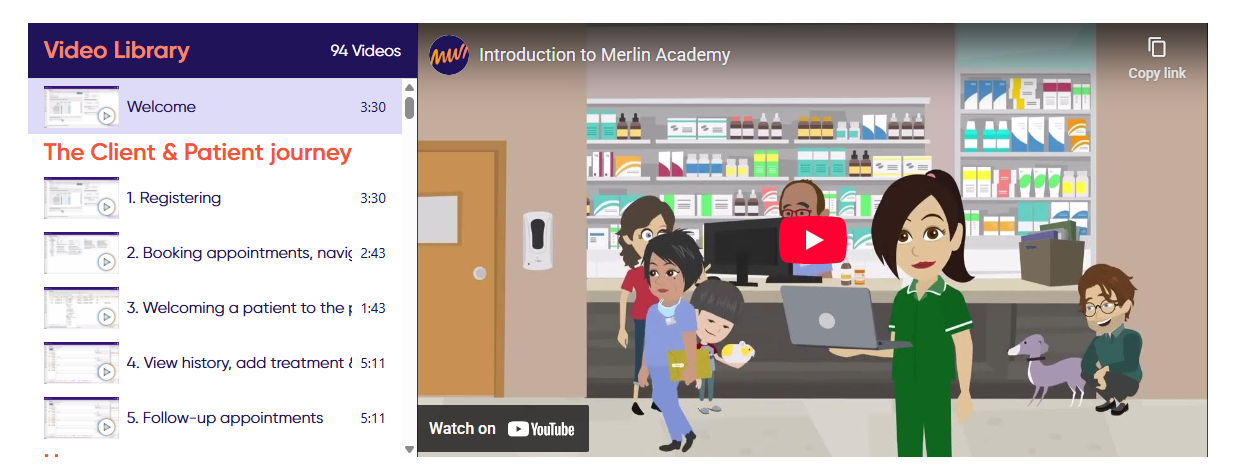
Make sure to check out our Merlin Academy - Over 90 quick fire video's of Merlin's key workflows.
1. Ensure you're on the new theme help centre by clicking 'I'm using the new theme' at the top right.

2. Click the link to the Merlin Academy Video tutorials
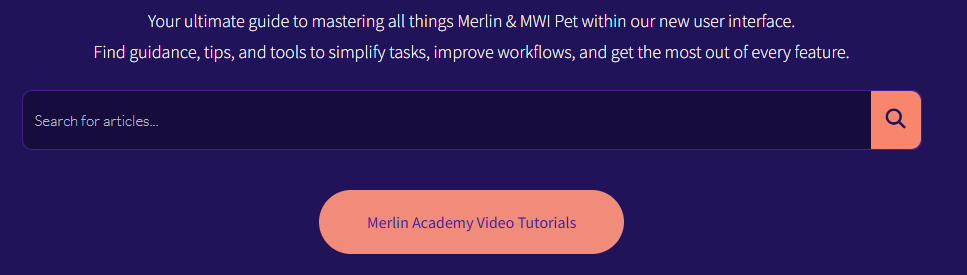
3. Browse through over 90 videos split across various modules available within Merlin.