Refunding a Payment via the Payment's Menu
- Once in a Merlin client record, click on the dropdown arrow at the side of the payments button.
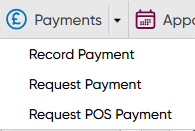
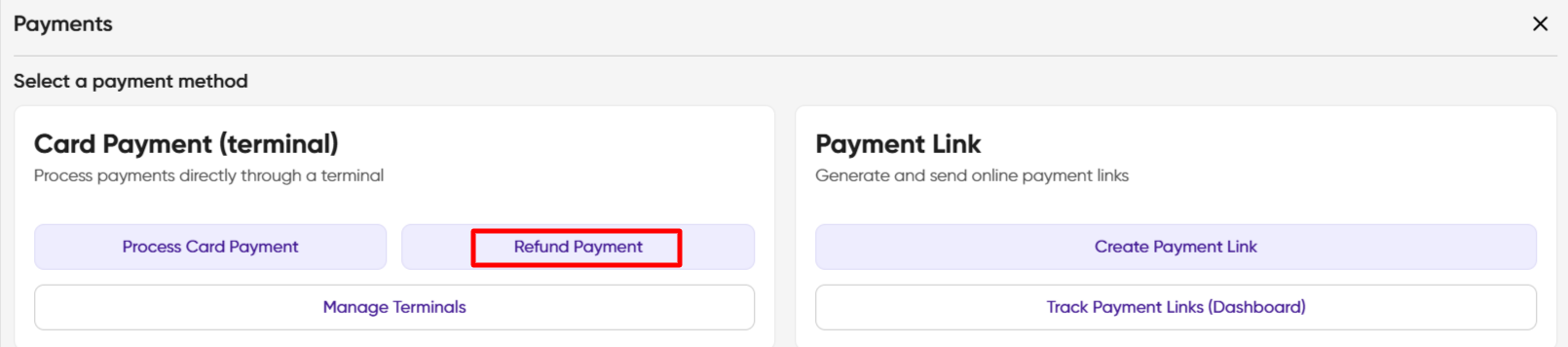
- Select Request Payment. You are presented with the Payments box, select Refund Payment
- You are presented with the Payments screen, showing previous payments. NB The Account Balance is apparent and any warnings will show in red.
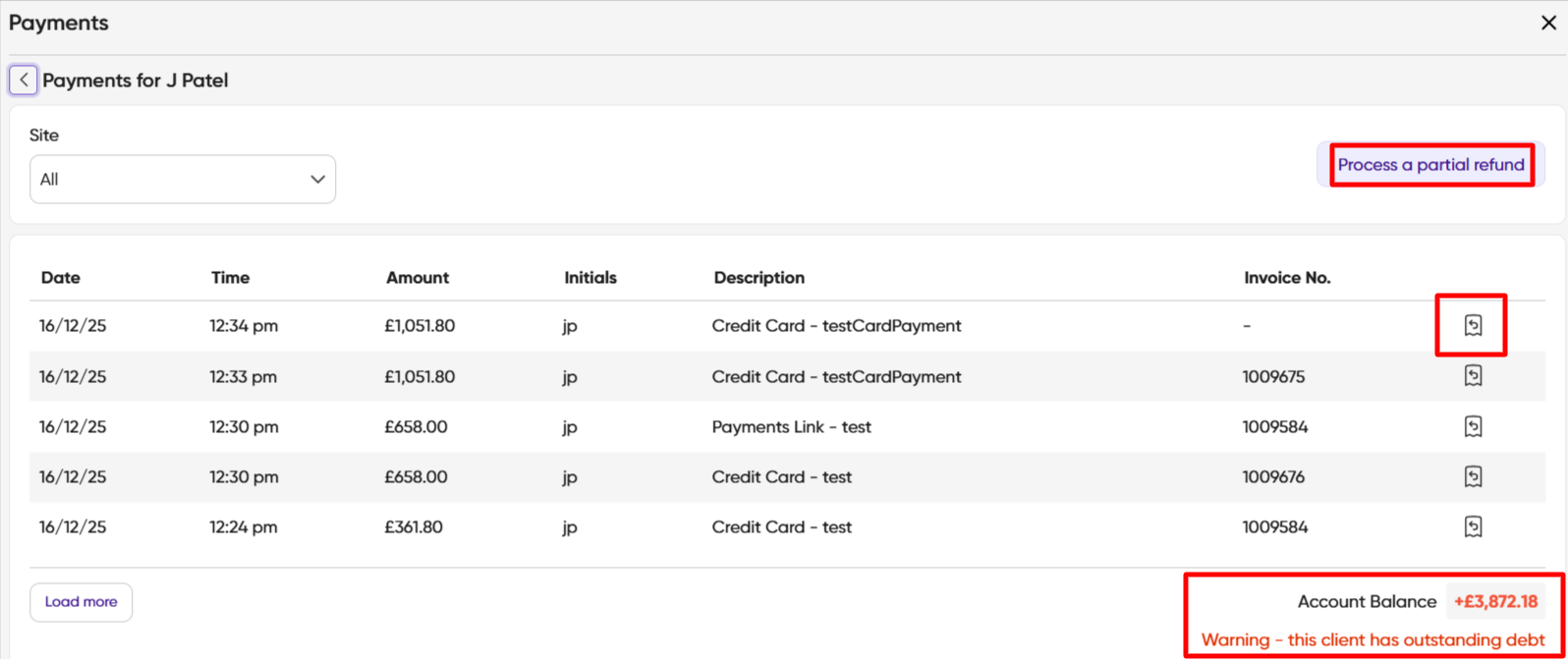
- You have the option to process a partial refund. NB Please note that partial refunds are not auto-allocated. If you wish to allocate you will need to do so manually.
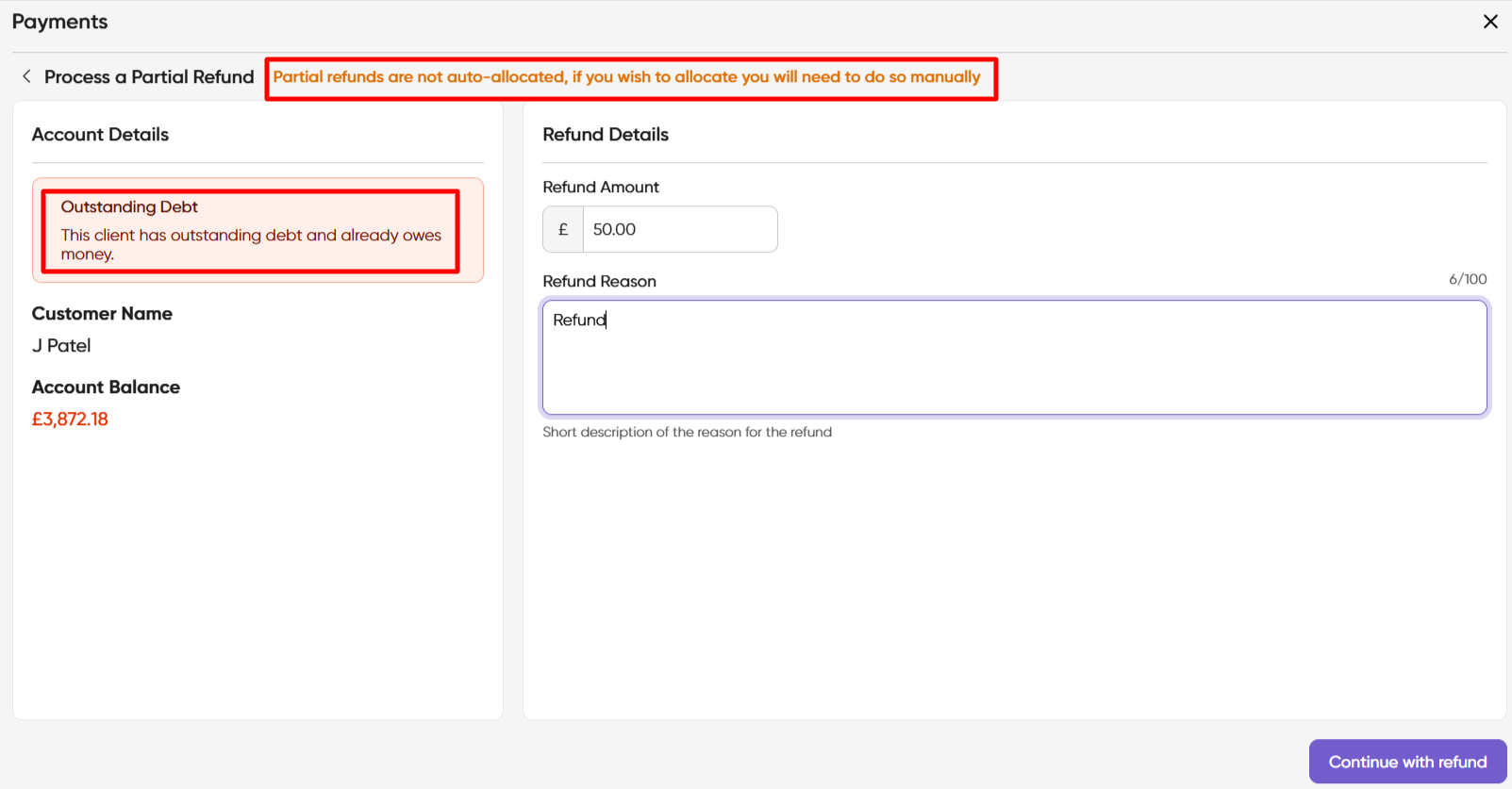
- Select Continue with Refund at the bottom right of the screen.
- You are presented with the Process Refund (terminal) screen. Once you have chosen your Card Terminal, click Refund which shows Captured once complete.

7. The refund will display in the Daily Cash screen.
